How to Create a Starrupture Server Guide
How to Create a StarRupture Server Guide
This page is an **early pre-release** guide. StarRupture enters Early Access on January 6, 2026. At the time of writing (December 15, 2025), the developers have showcased online co-op (up to 4 players) and confirmed the game is built on Unreal Engine 5. Public, self-hosted **dedicated server** details have **not** been formally announced. The steps below cover (A) renting a server with our control panel when/if binaries are released and (B) best-practice hosting from a home PC as the session host if the game remains peer-to-peer at launch.<ref name="steamstore">See the Steam store page features and Early Access FAQ for StarRupture (Online Co-op, release date, system requirements).</ref><ref name="devlog">Creepy Jar devlog confirms Unreal Engine 5.</ref><ref name="playtest">Steam Playtest app lists Unreal Engine + Epic Online Services SDK.</ref>
Option #1: Renting a StarRupture server (example control panel below)
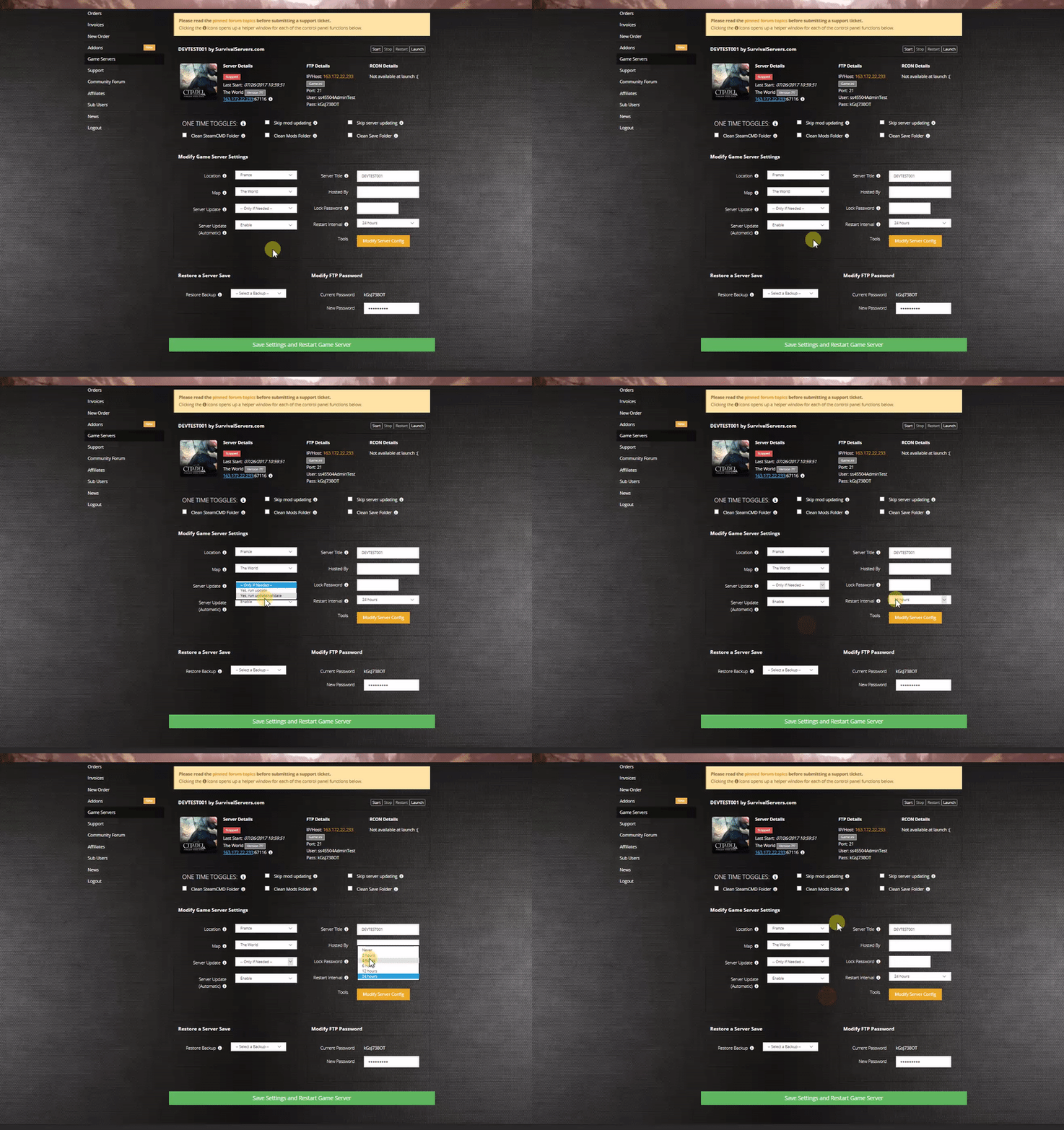
What you’ll get (expected)
- One-click install/updates when the server depot is live (SteamCMD under the hood)
- Start/stop/restart and scheduled restarts
- Config editor for common settings (server name, ports, player cap), plus raw INI access when known
- Log viewer + crash detection
- (If supported by the game) map/biome switchers and future mod toggles
> Status: Until Creepy Jar exposes a public dedicated server build, the control-panel “Install/Start” buttons will remain disabled or marked “Coming Soon”.
Option #2: Hosting StarRupture From a Home PC or Dedicated Machine
Server Requirements (expected)
- OS: Windows 10/11 or Windows Server 2019/2022, 64-bit
- CPU: 4 physical cores (modern i5/Ryzen 5+)
- RAM: 16 GB minimum (game lists 16 GB for clients; plan similar for host)
- Storage: ~45 GB free (per current Steam listing)
- Network: Stable wired connection; open/forward ports if you’re hosting behind a router
Notes:
- UE-based dedicated servers are GPU-less, but if you’re hosting a client session (no dedicated binary), you’ll need a GPU as per client specs.
- Linux support is **TBD**. Many UE servers ship Windows builds first.
Step 1: Fetching (or Verifying) Server Files with SteamCMD
The best way to obtain dedicated files—if/when published—is via SteamCMD.
- Create a folder for your StarRupture server files, e.g. C:\Servers\StarRupture
- Place steamcmd.exe in that folder
- Create a batch file named SteamCMD.bat with the following (update the APPID once announced):
@echo off
set SR_DIR=C:\Servers\StarRupture
set SR_APPID=APPID_TBD   :: Replace when dedicated server app id is published
start "" steamcmd.exe +login anonymous ^
 +force_install_dir "%SR_DIR%" ^
 +app_update %SR_APPID% validate ^
 +quit
- Right-click SteamCMD.bat → Run as Administrator
- When complete, server files (if published) will be under %SR_DIR%
Finding the dedicated server App ID:
- Watch the StarRupture SteamDB page for a Dedicated Server depot/branch entry. Many UE games ship a separate AppID or a “-dedicatedserver” branch under the main AppID.
Step 2: Launching a Dedicated Server (expected UE5 layout)
If Creepy Jar releases a dedicated binary, expect a path similar to:
- .\StarRupture\Binaries\Win64\StarRuptureServer-Win64-Shipping.exe
Create StartServer.bat:
@echo off
set SR_DIR=C:\Servers\StarRupture
cd /d "%SR_DIR%\StarRupture\Binaries\Win64"

REM Common UE server flags (names may change when official docs drop)
StarRuptureServer-Win64-Shipping.exe ^
 -log ^
 -MULTIHOME=YOUR.SERVER.IP ^
 -Port=7777 ^
 -QueryPort=27015 ^
 -MaxPlayers=4 ^
 -ServerName="My StarRupture Server"
Parameter cheat-sheet (anticipated):
- -MULTIHOME=IP — bind to specific interface
- -Port=#### — game port (UE default often 7777/UDP)
- -QueryPort=#### — Steam query (commonly 27015/UDP)
- -MaxPlayers=4 — co-op currently listed “up to 4”; value may be fixed by the game at launch
- -log — show console log
Ports to Open (TBD / typical for UE)
- 7777/UDP – Game port
- 27015/UDP – Steam query
- 27020/UDP – (sometimes used by UE/Steam; confirm at launch)
Configure on your router/firewall and allow the executable through Windows Defender Firewall.
If There Is **No** Dedicated Server at Launch (likely host-client)
You can still improve reliability by hosting the co-op session on an “always-on” PC:
- Create a fresh Windows user and disable sleep (Power Options → Never sleep; disable display sleep if you’ll monitor logs)
- Use wired Ethernet; avoid Wi-Fi for the host
- Forward the same ports above to the host PC (or ensure Steam’s relay/EOS connection works without NAT issues)
- In-game: the host starts a co-op world and shares the join/invite with friends
- Schedule OS restarts and game relaunch with a simple task-scheduler script for resilience
Config Files (expected UE locations; will update once confirmed)
- Server config INIs:
…\StarRupture\Saved\Config\WindowsServer\(e.g.,Game.ini,Engine.ini) - Saves/worlds:
…\StarRupture\Saved\SaveGames\
> Tip: Stop the server before editing INI files; back up the entire Saved directory regularly.
Steam Workshop / Mods
- Status: Steam Workshop support has not been announced as of now. If Workshop/Mods become available:
- Place mods in the game’s expected
…\Modsor subscribe via Workshop and set a-modlistor INI parameter (we’ll document exact paths/flags once public).
- Place mods in the game’s expected
Common Issues
- Can’t see the server: Verify ports, Windows Firewall allow-list, and that you’re binding the correct external IP with
-MULTIHOME. - Friends time out on join: Confirm host’s NAT, try disabling UPnP on the router and use explicit forwards. Ensure no VPN/Double-NAT.
- Low tick or rubber-banding: Reduce view distance/enemy density if those become exposed settings; limit background tasks on the host.
FAQ
- Does StarRupture have dedicated servers?
- Unknown. As of Dec 15, 2025, the Steam page lists Online Co-op and the Playtest used Epic Online Services. Creepy Jar has not publicly shipped dedicated binaries yet. We’ll update this page on release.<ref name="steamstore" /><ref name="playtest" />
- What engine does it use?
- Unreal Engine 5.<ref name="devlog" />
- How many players?
- Marketing copy and EA FAQ reference co-op with up to 4 players.<ref name="steamstore" />
References
<references />